 Android · free · no account
Why daily-selfie time-lapses usually fail
Because your head is never in exactly the same place twice. Play 365 of those frames in a row and the face jumps around so much that nobody watches to the end. Both panes below flip through the same four days. Only one of them holds still.
Fifteen seconds a day
There is no editing step and nothing to line up by hand. The app does the fiddly part twice — once while you shoot, once before it renders.
-
Shoot against yesterday
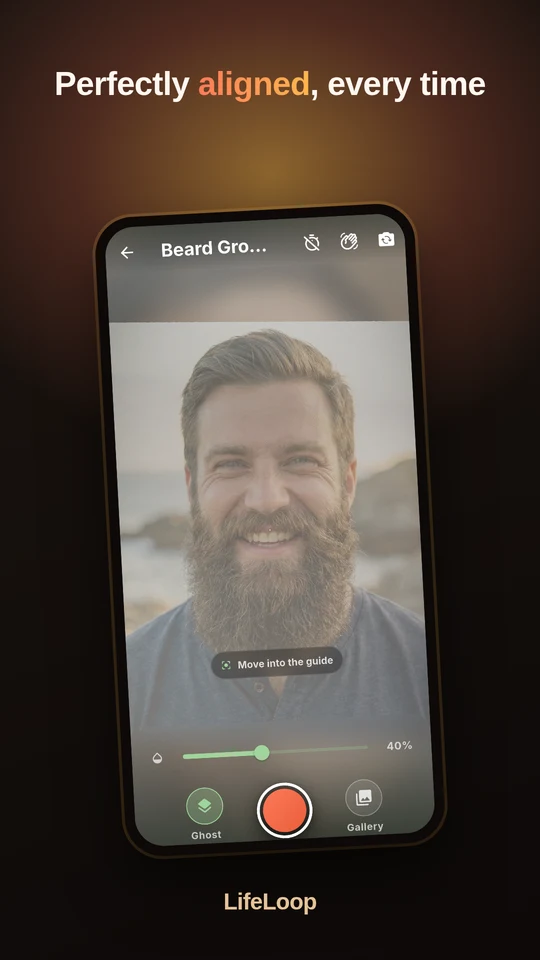
Yesterday's photo sits faintly over the camera preview, so you line up with the version of you from yesterday. A face guide confirms the framing before you tap.
A daily reminder is optional, and it only ever asks twice before it stops.
-
Alignment happens on its own
Right after the capture, LifeLoop finds your eyes and rotates, scales and shifts the frame so your face lands where it landed on every other day. You never have to be precise.
Face detection runs in an on-device model. Nothing is sent anywhere to make it work.
-
Render it on the phone
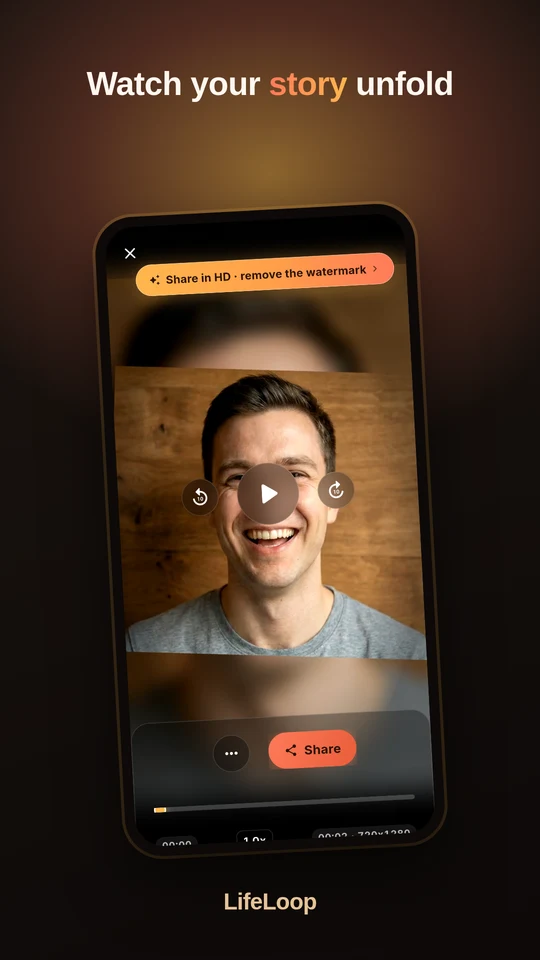
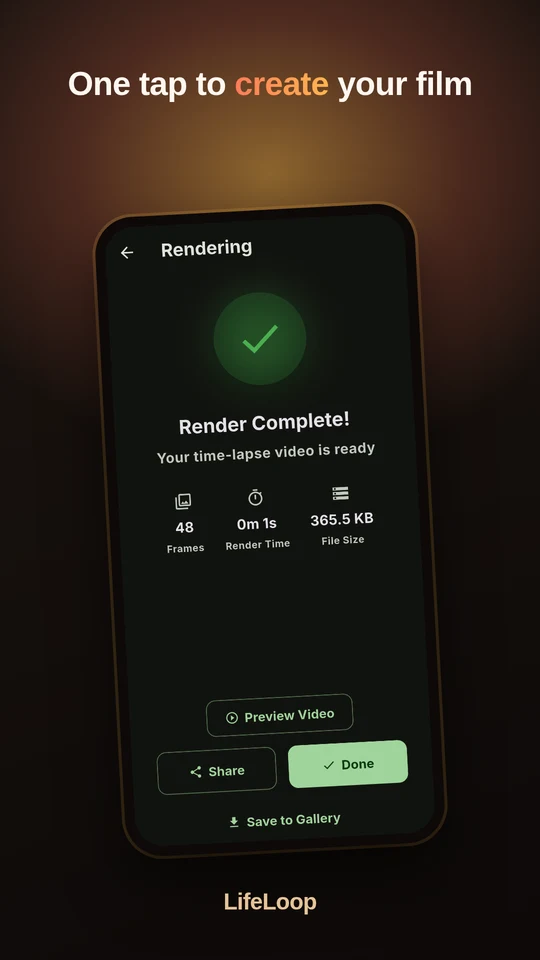
Pick a speed, a resolution and whether frames cross-fade, then export. Encoding uses your phone's hardware video encoder, so a year of photos takes seconds, not a server queue.
Free renders carry a small watermark; Pro removes it and unlocks 1080p.
What it looks like
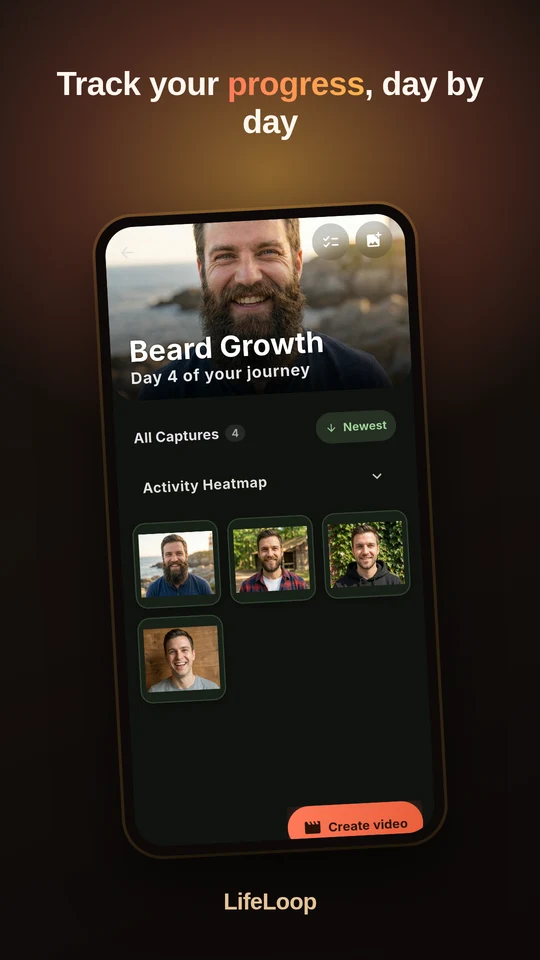
Capture, watch the habit build, and turn a month into a few seconds of video.
Your face stays on your phone
A daily-selfie app asks for the most personal photo library there is. This is the part most photo apps get wrong, so it is worth being specific about.
- No account, ever. Nothing to sign up for, so there is nothing to sign in to and no profile of you anywhere.
- No photo upload. Capture, face detection and video encoding all run locally. The app works with the network switched off.
- Backup only if you ask. An optional Google Drive backup exists for moving to a new phone. It runs after you connect it, to your own Drive.
- Crash and usage data are anonymous. No advertising ID, no photo content, EU-hosted — and you can switch it off in the settings.
Questions people actually ask
Is there an app that aligns daily selfies automatically?
Yes — that is what LifeLoop is for. It detects the eyes in each photo and rotates, scales and shifts the frame so your face sits in the same place in every shot. That is what makes the playback smooth instead of shaky. The alignment runs on the phone, right after each capture.
How do I keep my head in the same position every day?
You do not have to. LifeLoop shows yesterday's photo as a faint ghost overlay on the camera preview, plus a face guide that confirms when the framing matches — and it corrects the rest afterwards.
Do my photos get uploaded anywhere?
No. Capture, face alignment and video rendering all happen on the device. There is no account and no photo upload. An optional Google Drive backup exists, and it only runs if you connect it yourself.
Can I make a time-lapse from photos I already have?
Yes. Import existing photos from your camera roll into a project and render straight away, instead of waiting a month to see anything.
Gibt es eine App für ein tägliches Selfie als Zeitraffer?
LifeLoop macht genau das: ein Foto pro Tag, und die App richtet die Gesichter automatisch aneinander aus und rendert daraus ein Zeitraffer-Video. Die App gibt es auf Deutsch und Englisch, und alle Fotos bleiben auf dem Gerät.
What does LifeLoop cost?
The app is free, including capturing, alignment and rendering. A Pro upgrade removes the watermark from exported videos, unlocks 1080p output and allows more than one active project at a time.
Which Android versions work?
Android 8.0 and newer. Rendering uses the device's hardware video encoder, so it is fast even on mid-range phones.
Start today's frame
The first photo is the hard one. After that it is fifteen seconds a day, and in a month you have something nobody can fake.
Get it on Google Play Free. No account. Your photos never leave your phone.